An ATS-friendly resume, made on your own computer.
Pick a template, fill in your sections and download a PDF or Word file. Nothing leaves your device.
Google
- Xerox
Zoho
- Freshworks
Razorpay
Postman
Zerodha
PhonePe
Paytm
Swiggy
Zomato
- Flipkart
- BrowserStack
Company names and logos belong to their owners and are shown only as examples of employers. No affiliation or endorsement is implied.
Three steps, no sign-up.
Pick a template
Choose your kind of job and one of 54 layouts.
Fill in the sections
Edit the sample, add sections, remove what you do not need.
Download
Save a PDF or Word file, or copy plain text.
54 layouts, built to be read.
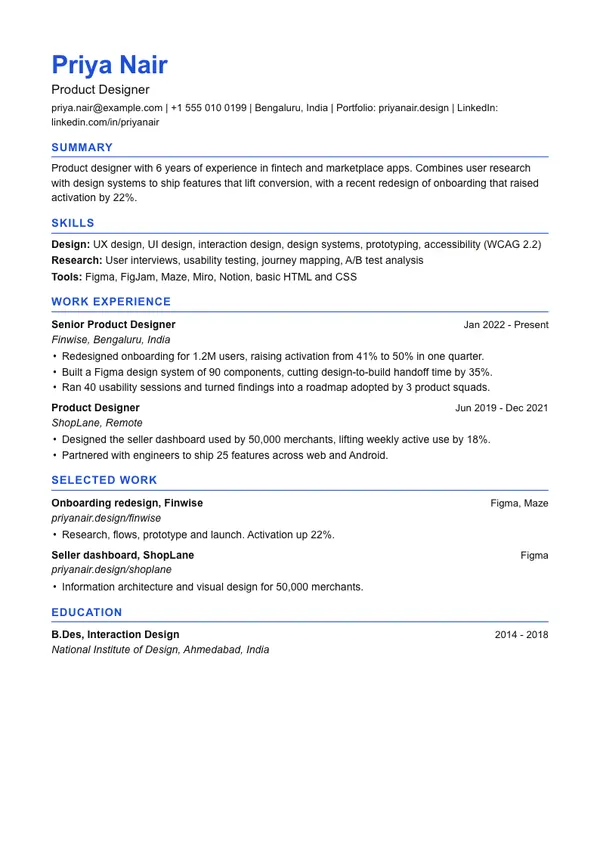
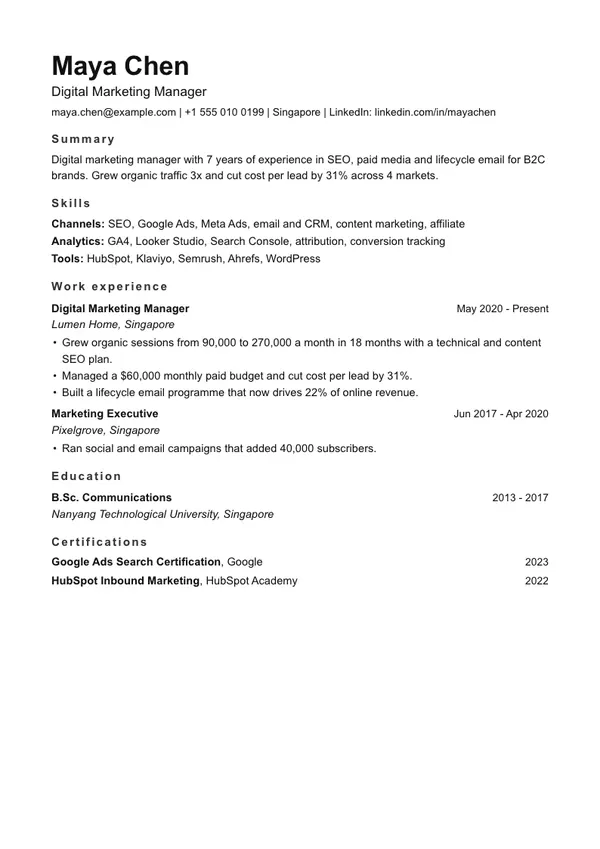
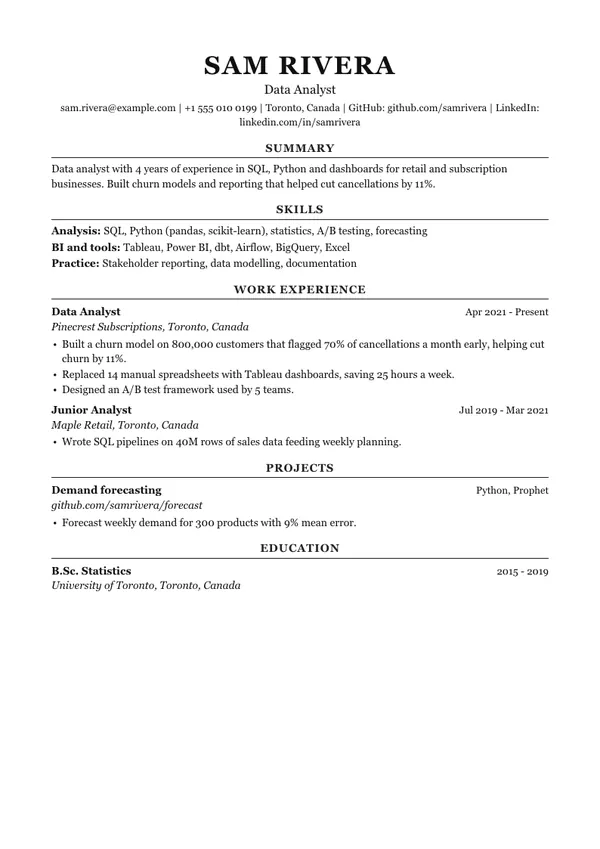
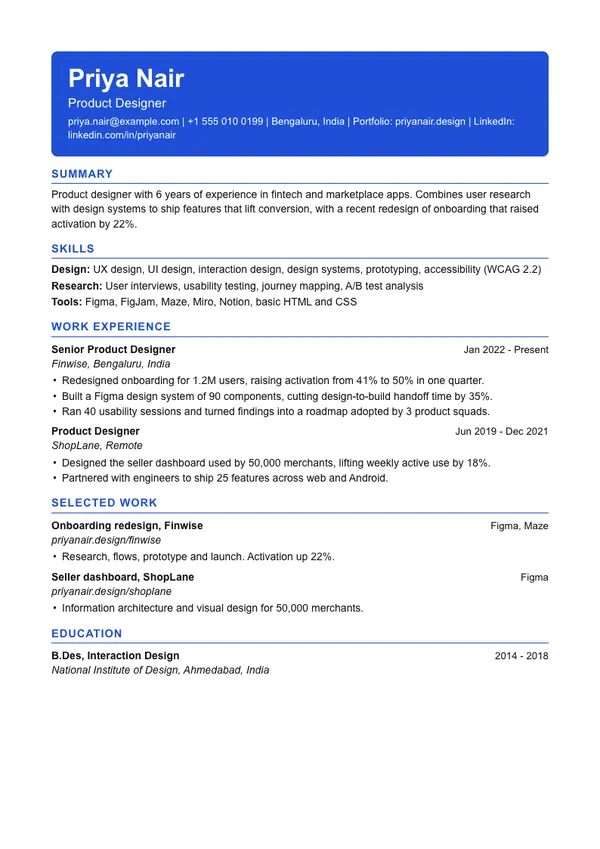
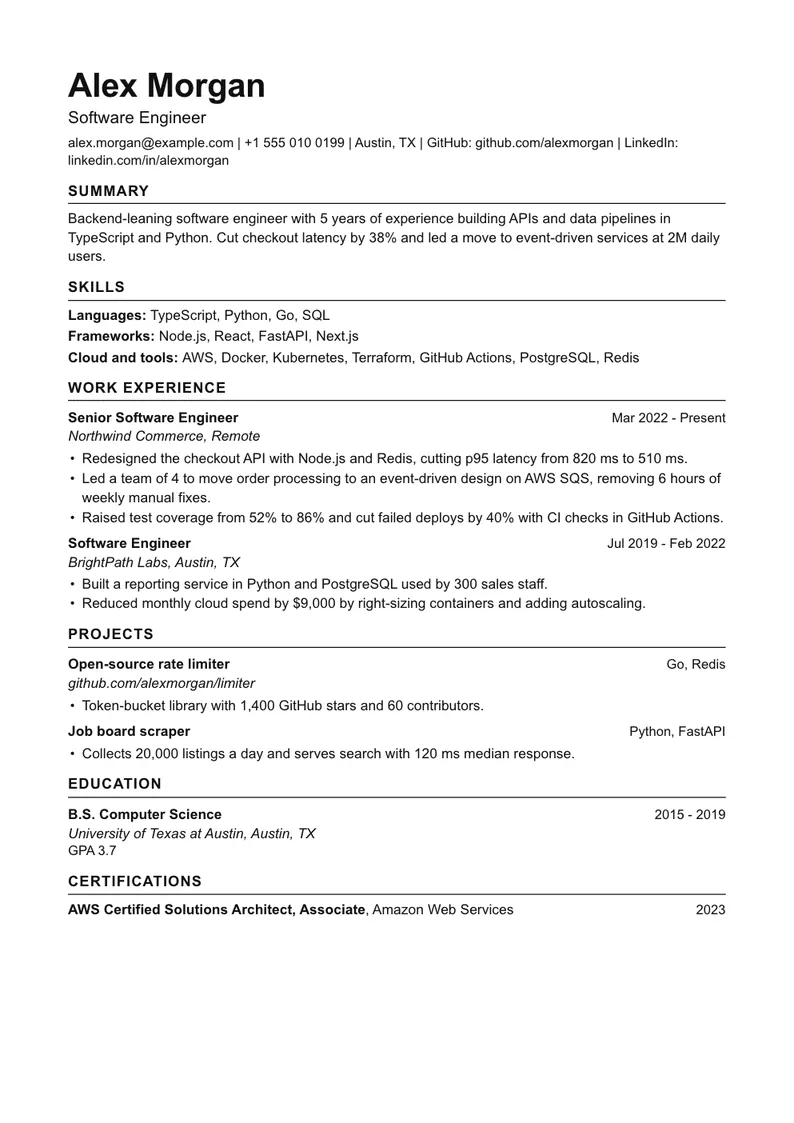
Start from your kind of work.
Software engineer
Skills, projects and measurable results.
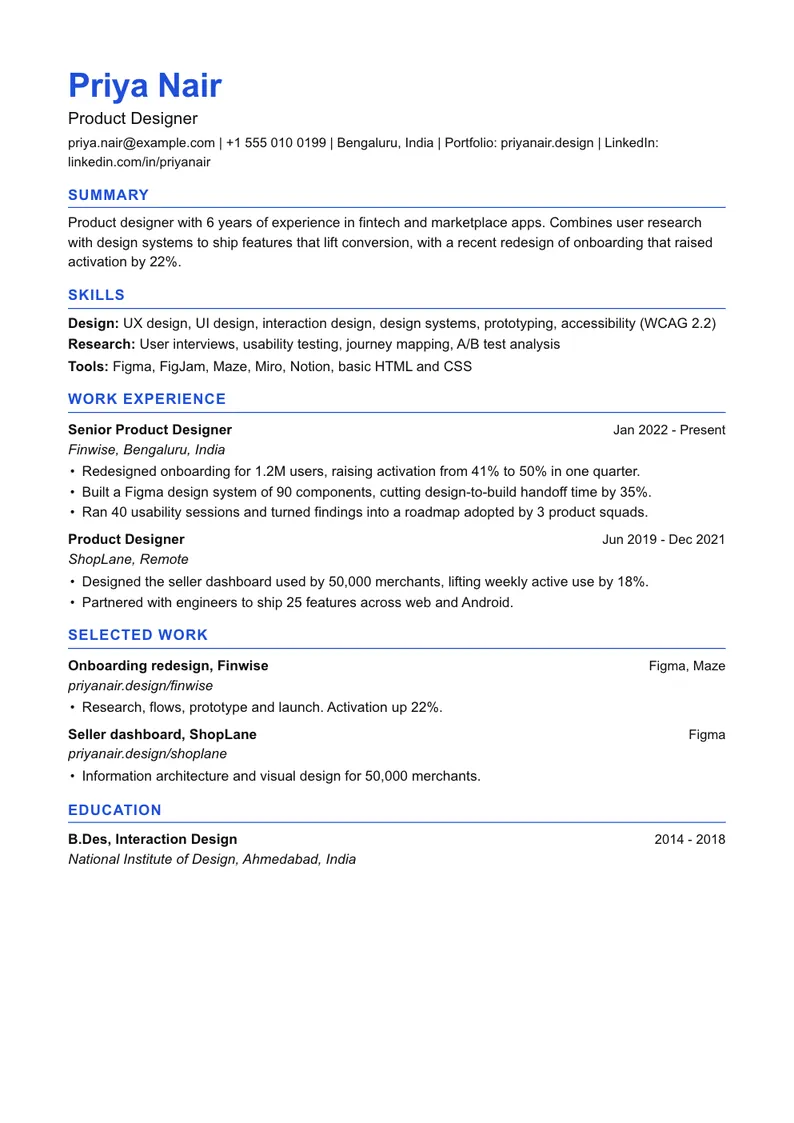
See exampleUX and UI designer
Portfolio link, process and outcomes.
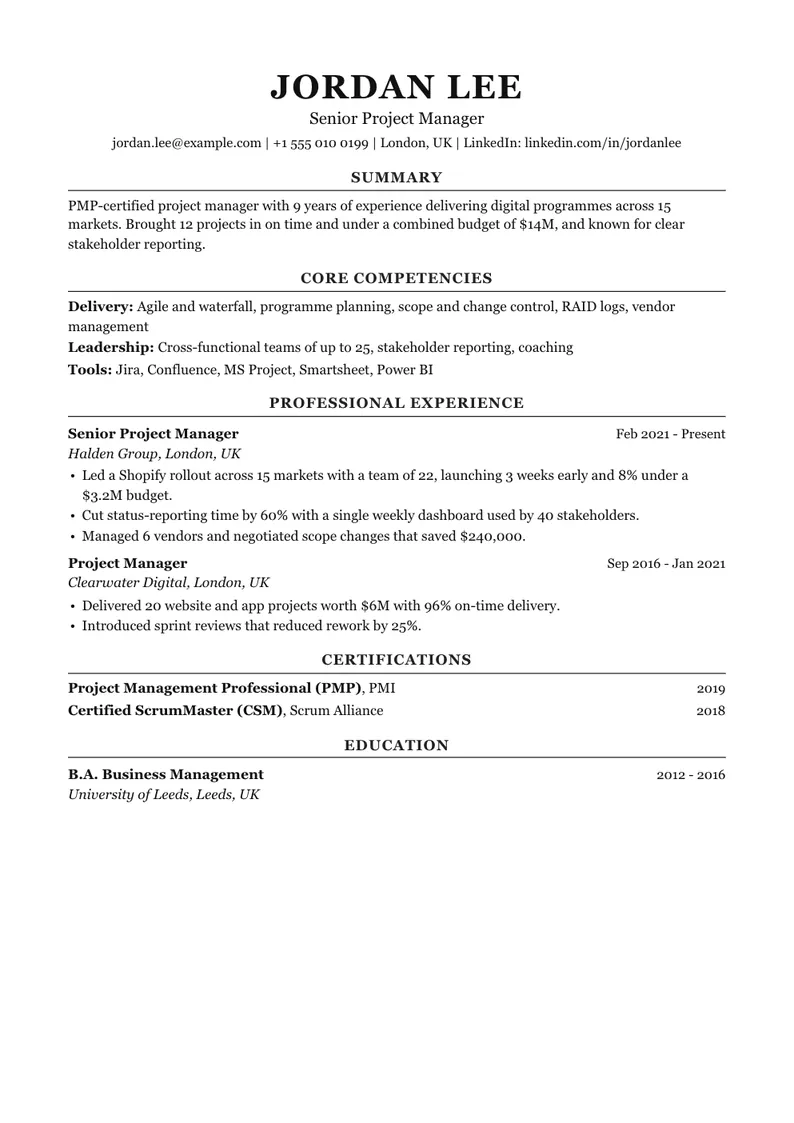
See exampleProject manager
Scale, budget, team size and delivery.
See exampleData analyst
Tools, data size and decisions changed.
See exampleMarketing manager
Channels, budgets and growth numbers.
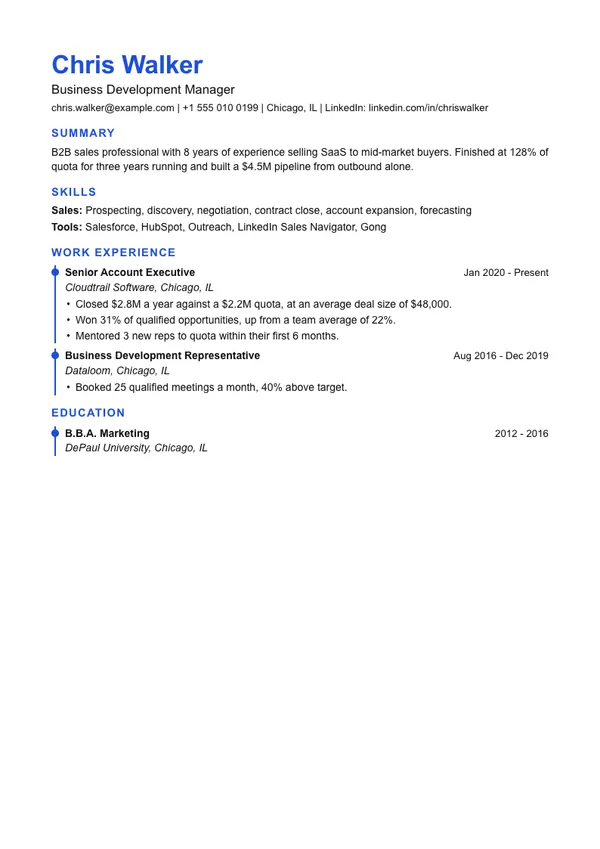
See exampleSales and business development
Quota, revenue, deal size, win rate.
See exampleMechanical engineer
Software, standards, licences, projects.
See exampleGraduate or student
Education first, then projects and internships.
See exampleNo account
Nothing to sign up for or pay for.
Stays on your device
What you type is never sent to a server.
PDF and Word
Real text that applicant tracking systems can read.
Quick answers
Is this resume maker really free?
Yes. No account, no watermark, and no limit on resumes or downloads.
Is my resume stored on a server?
No. It runs in your browser and saves only on your device. The PDF, Word file and text are made on your device too.
What makes a resume ATS-friendly?
A single column, real text, standard headings, dates on every job, and no tables, text boxes, images or details hidden in the header.
Which template is best for ATS?
Classic, Simple, Professional and Minimal are the safest. Most of the other templates are single column too. The two-column ones (Sidebar, Sidebar Right and Creative) are marked lower, because some systems misread columns.
Should I save a PDF or a Word file?
Follow the posting. If it does not say, both are usually fine. This tool gives you PDF, Word and plain text.
Can I add and remove sections?
Yes. Add, rename, reorder, hide or delete any section, including custom ones.