ATS resume and CV templates
Fifty-four layouts, mostly single column, including the formats big tech, consulting and finance recruiters see most. Pick one and change the font, colour and spacing in the builder.
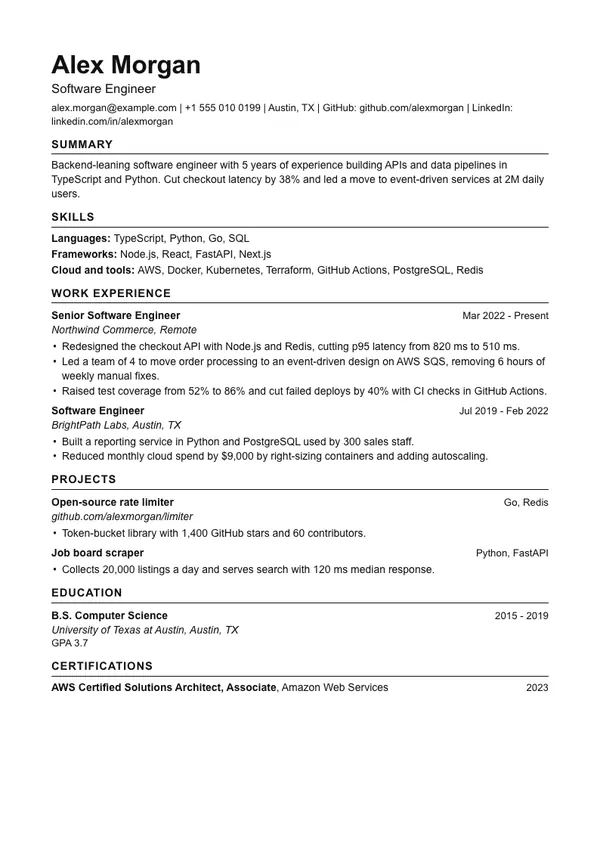
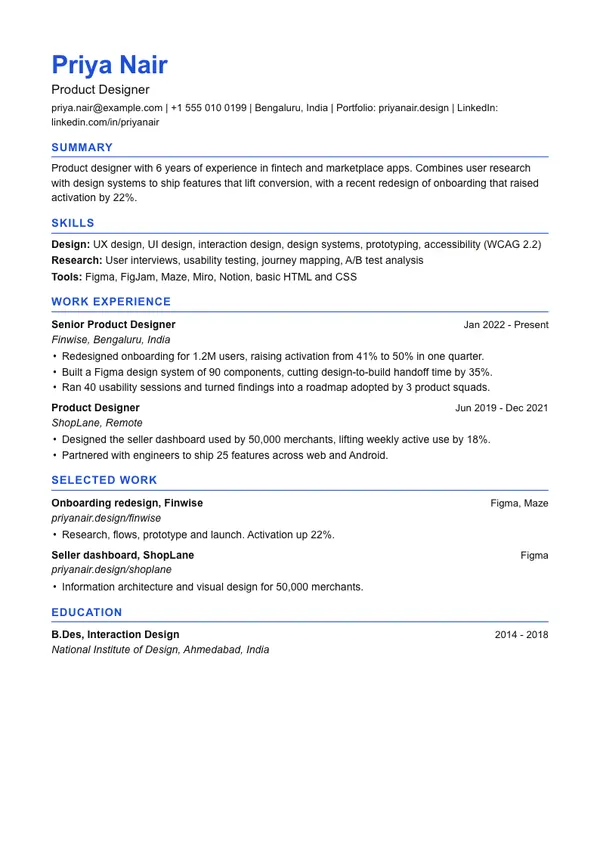
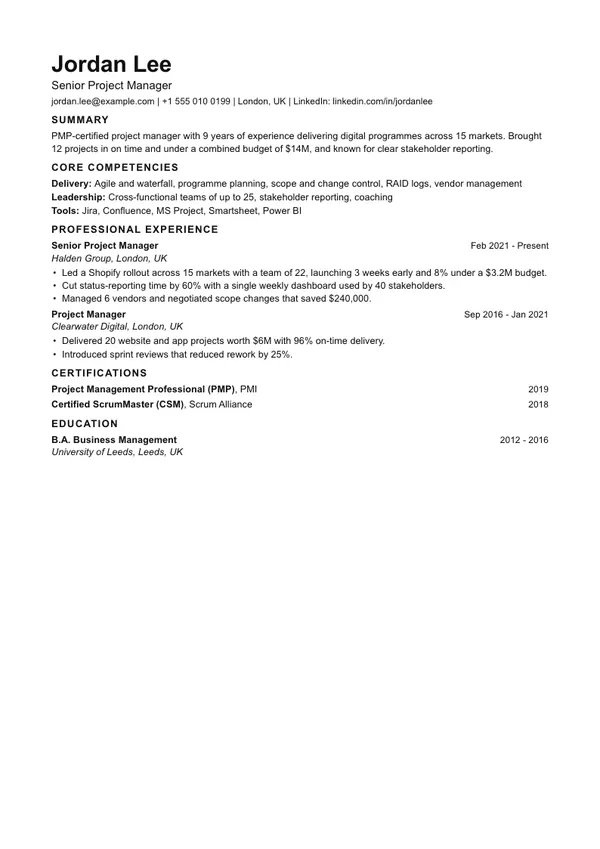
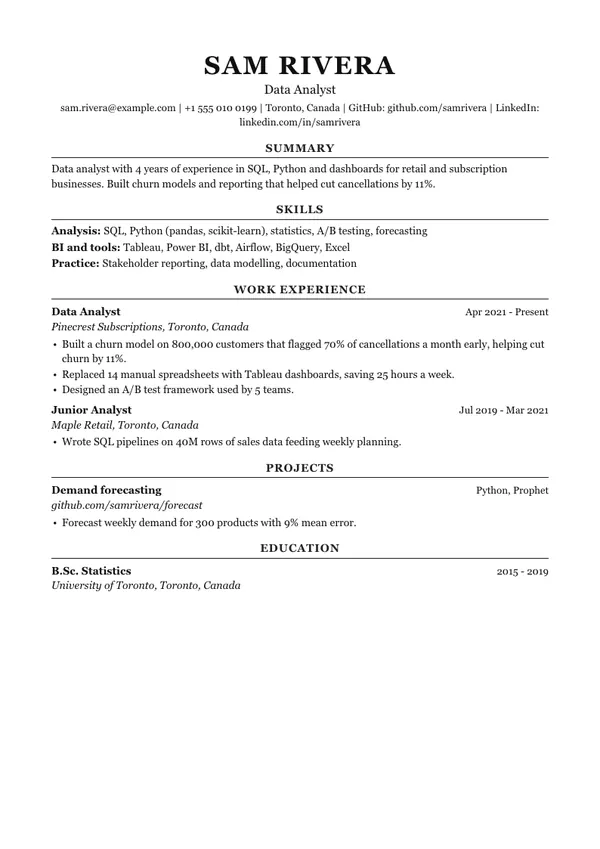
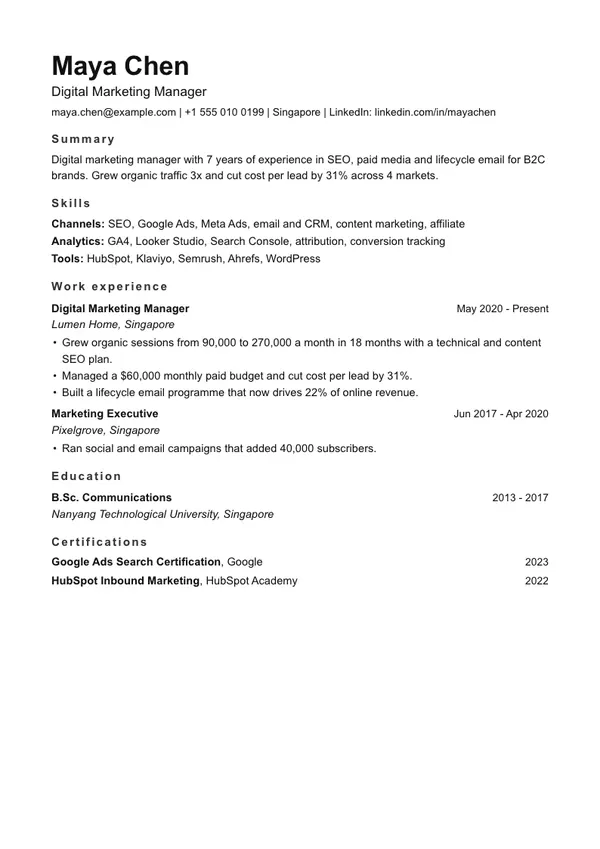
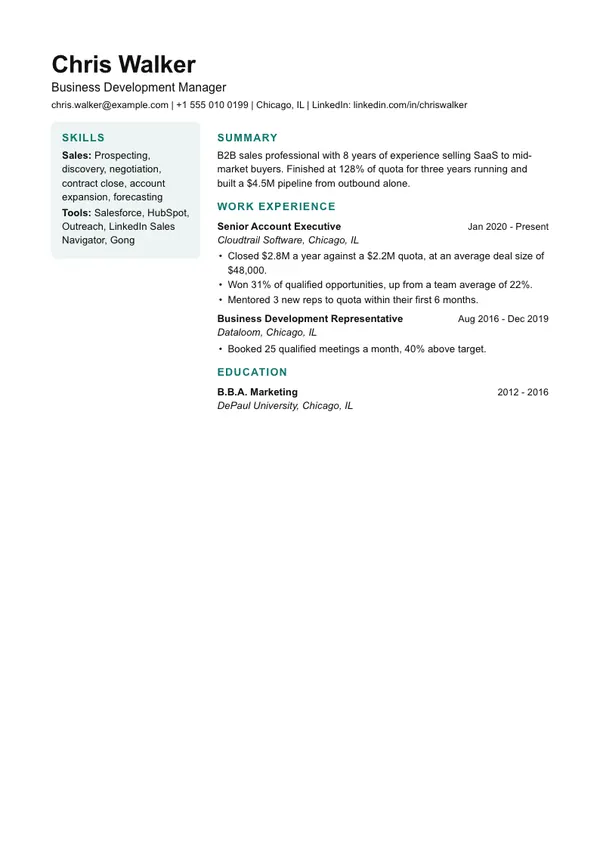
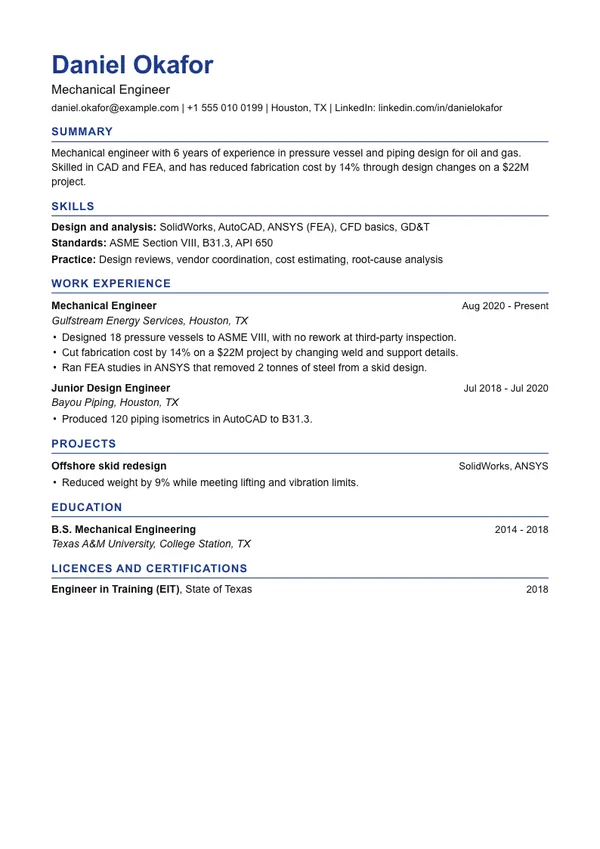
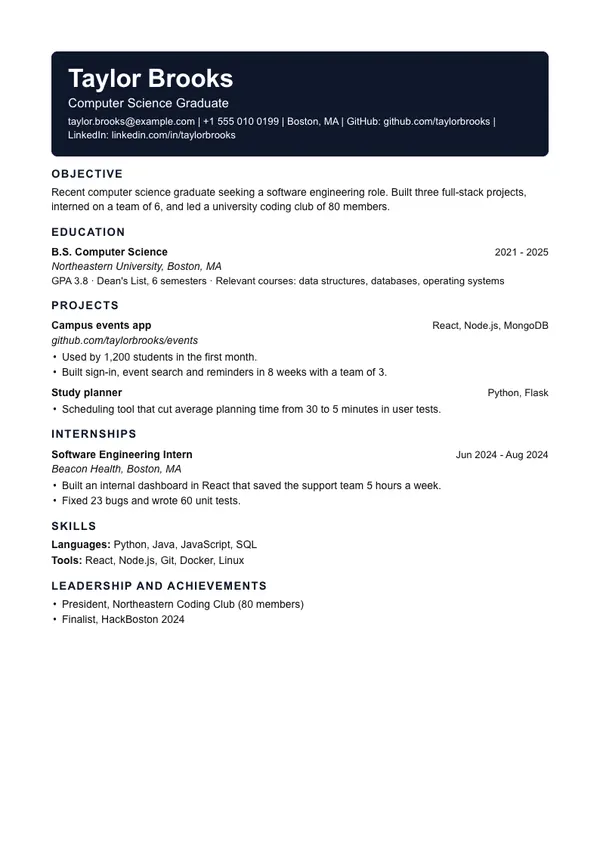
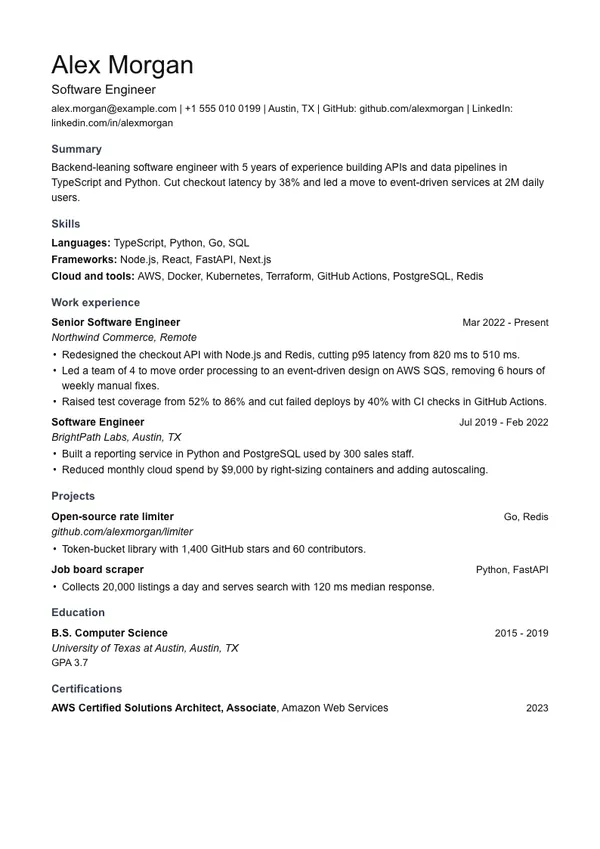
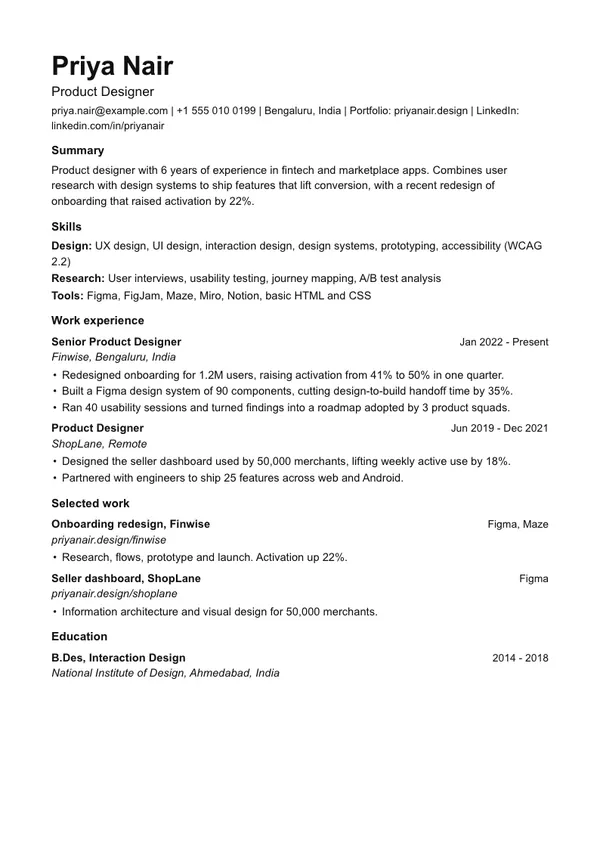
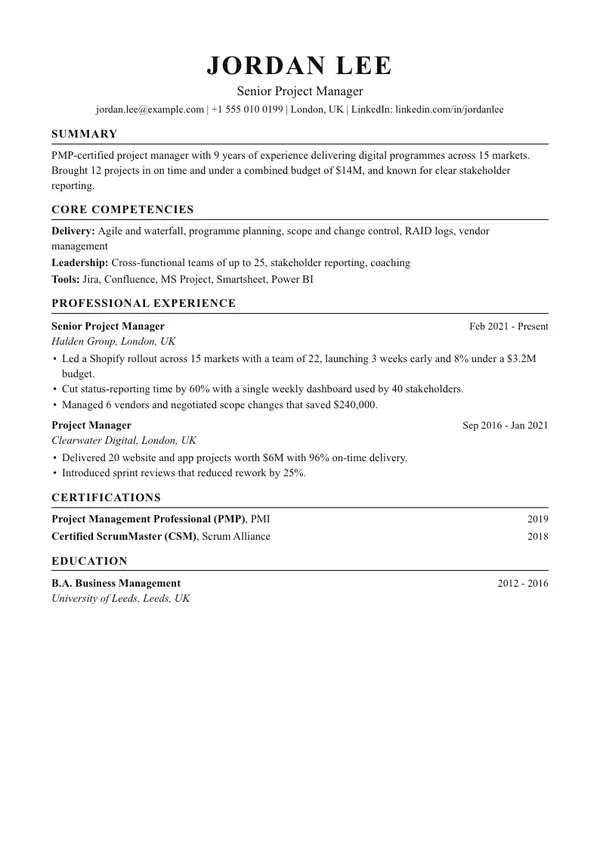
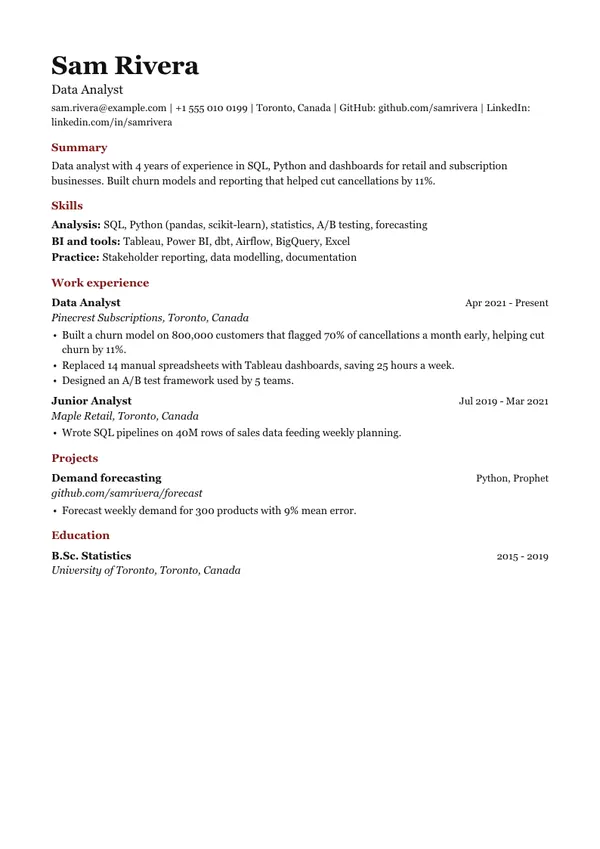
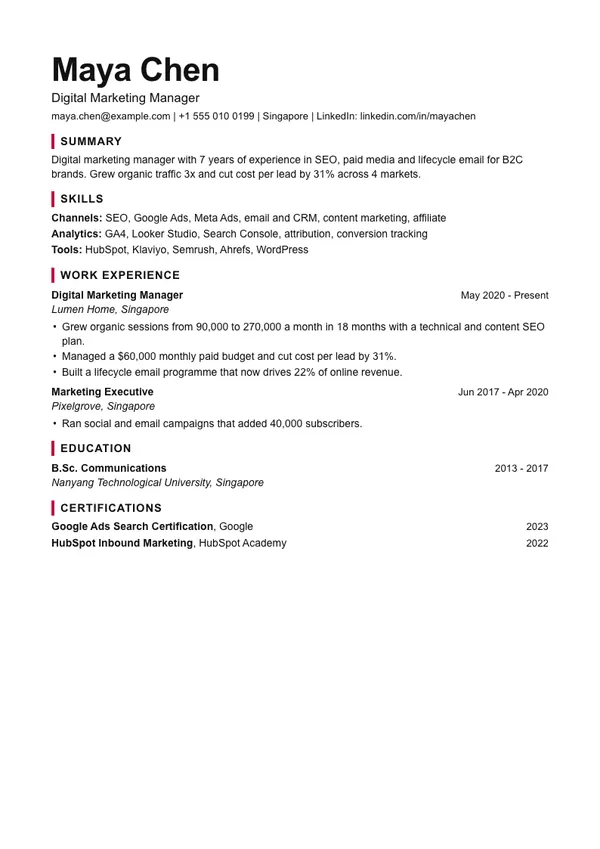
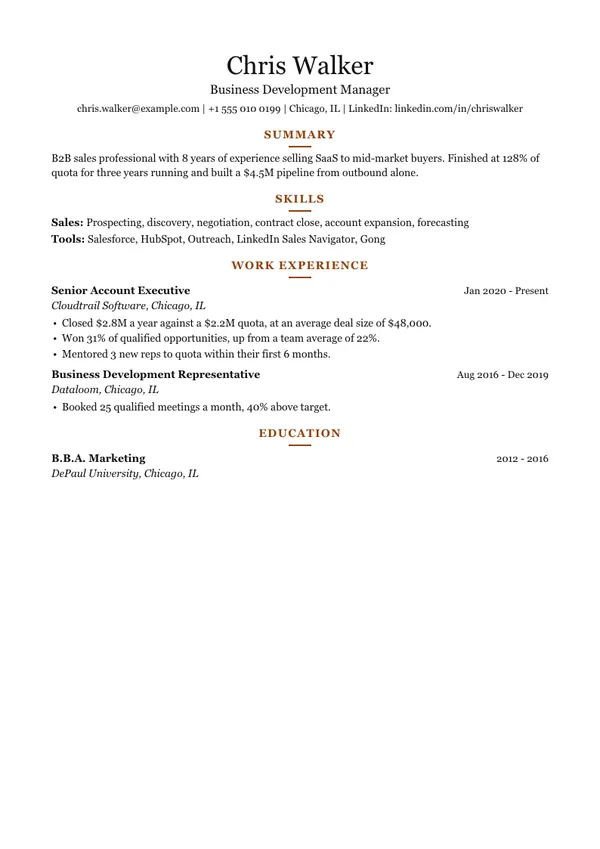
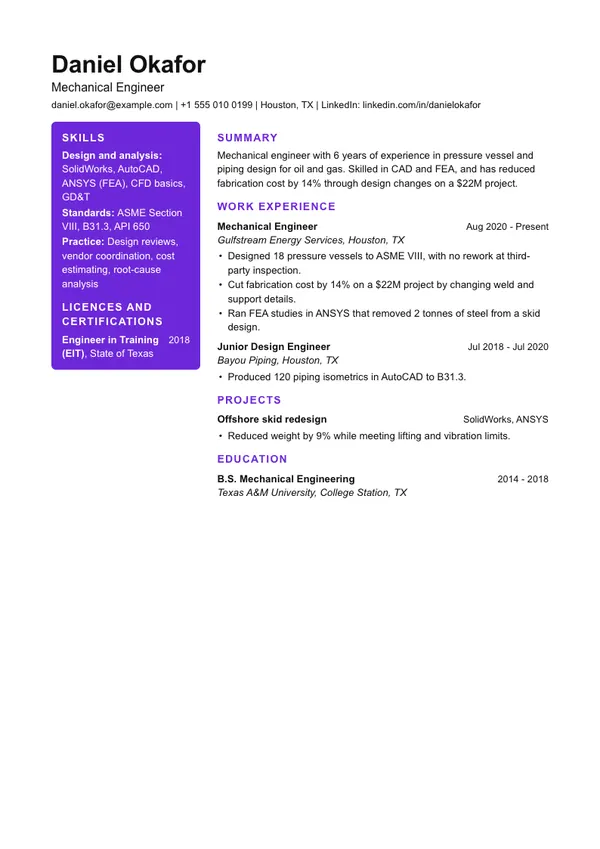
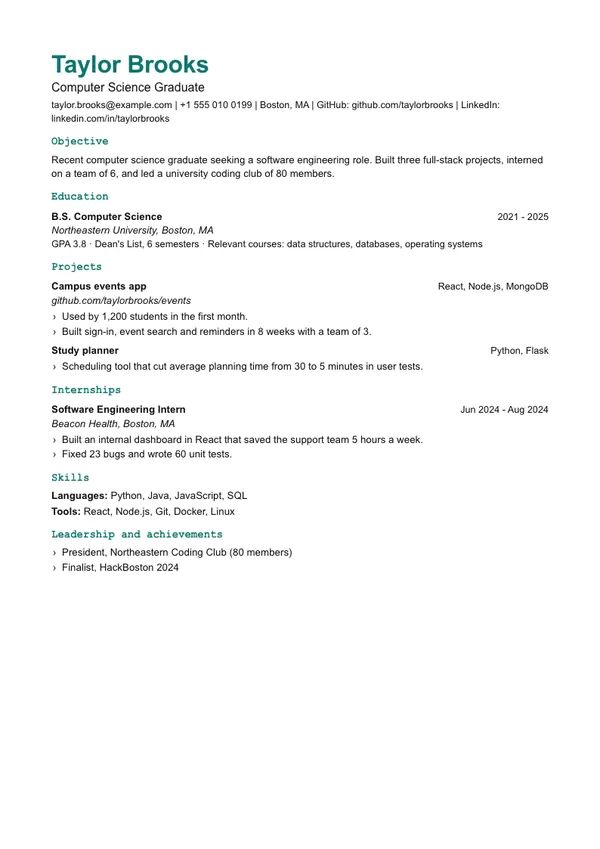
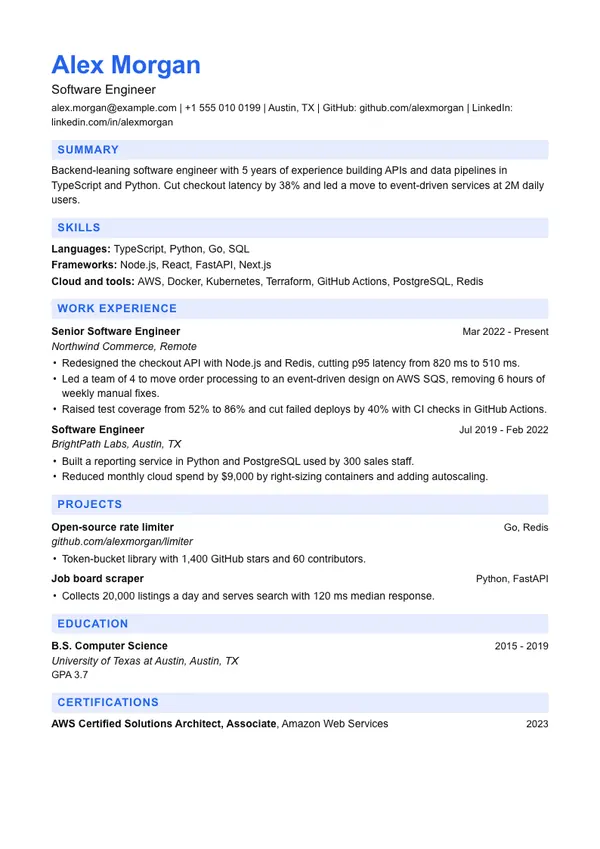
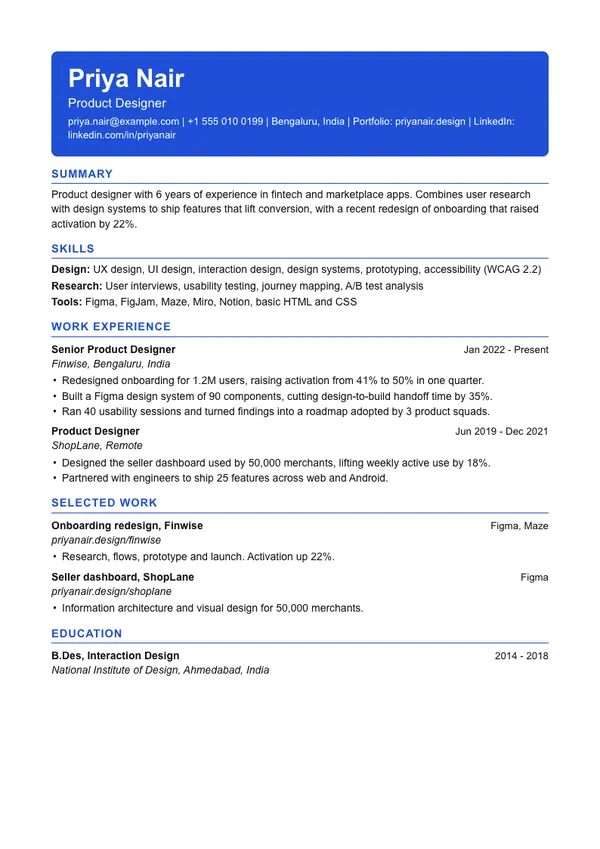
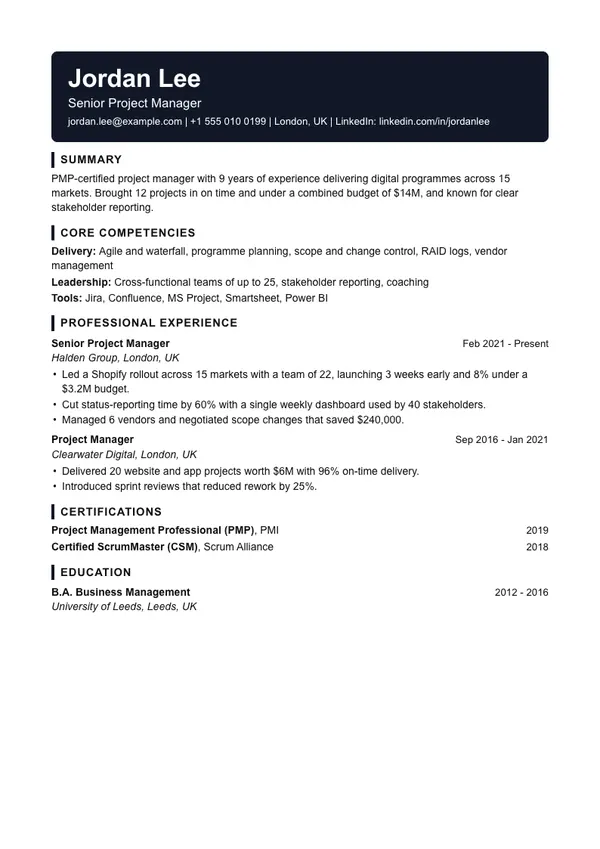
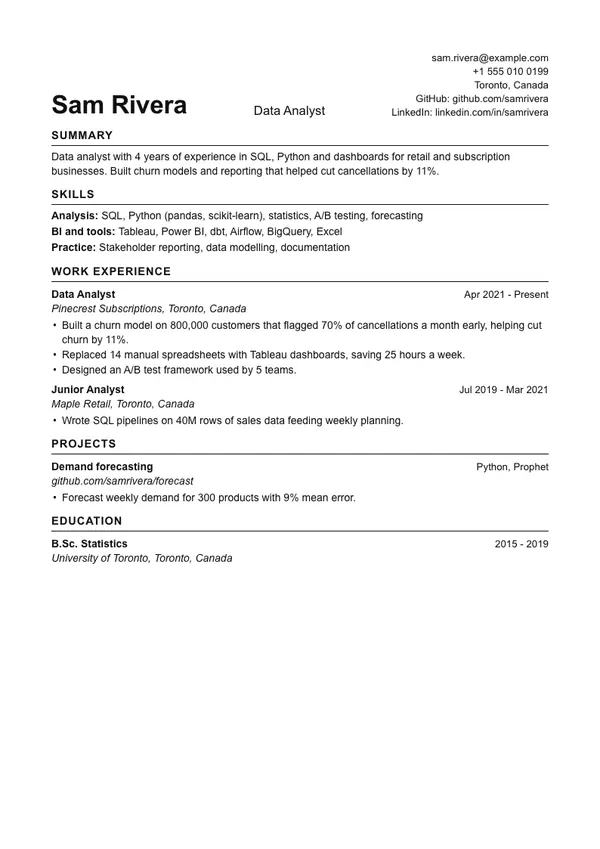
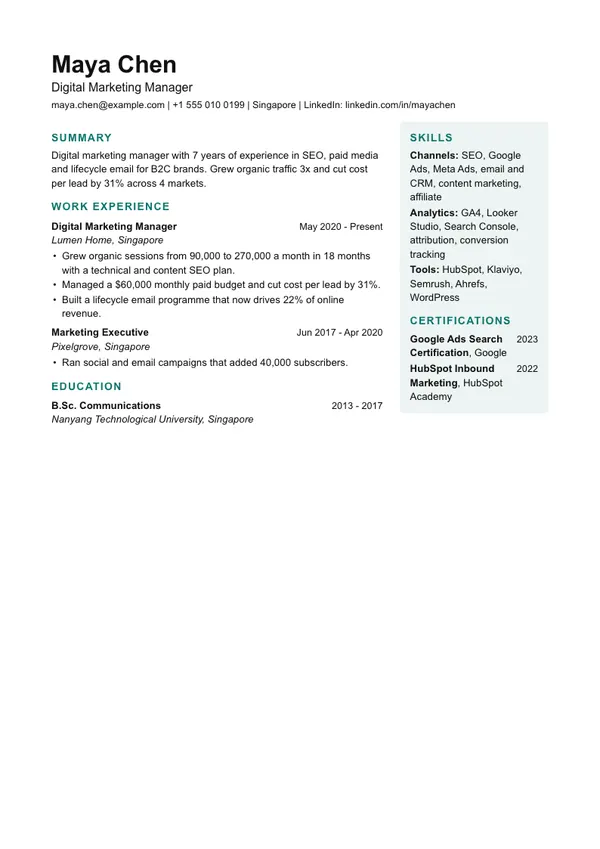
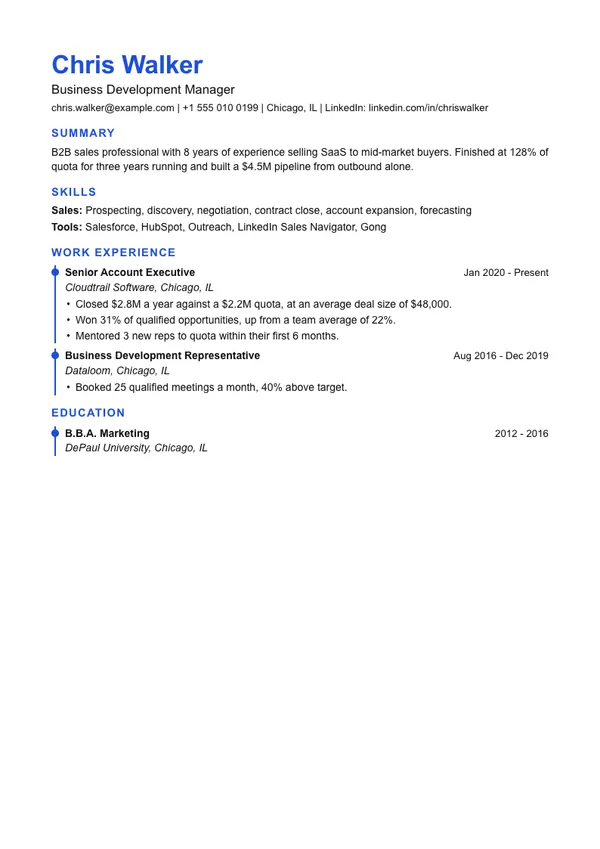
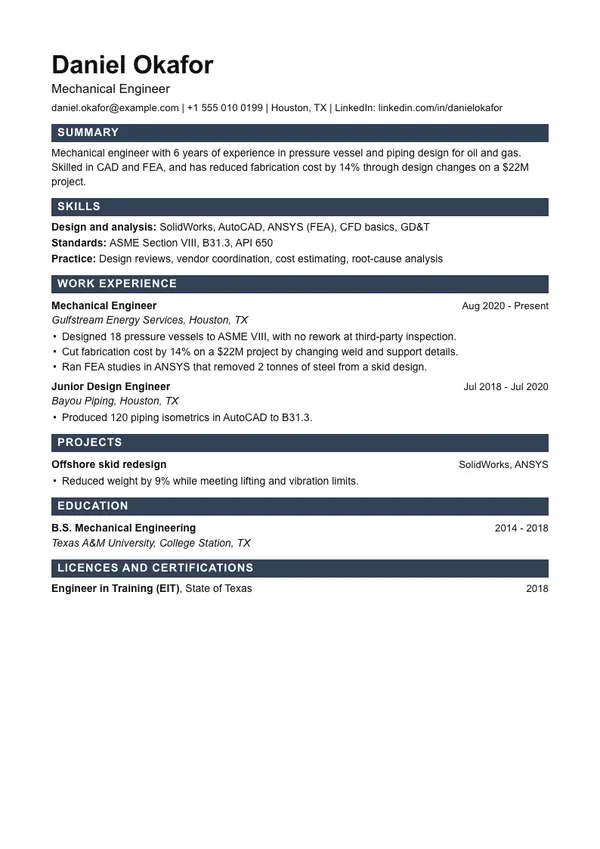
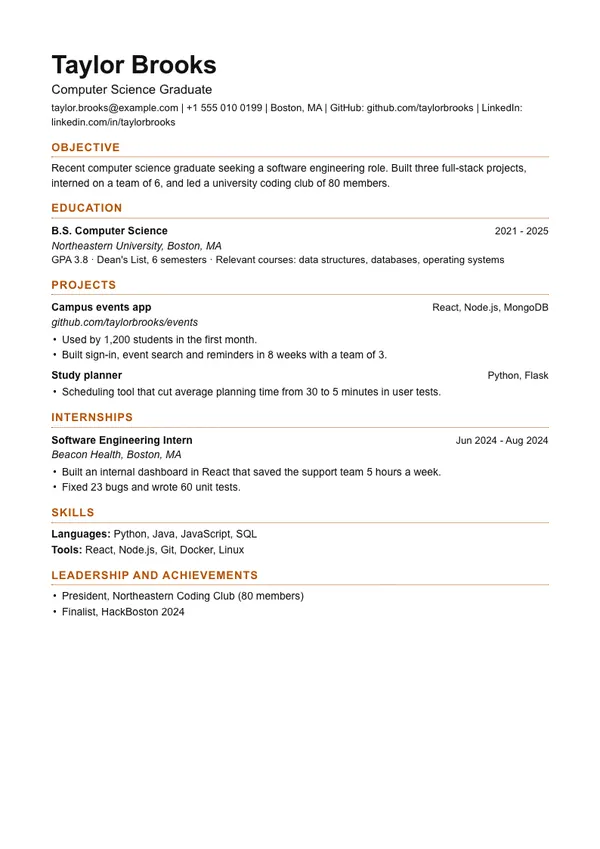
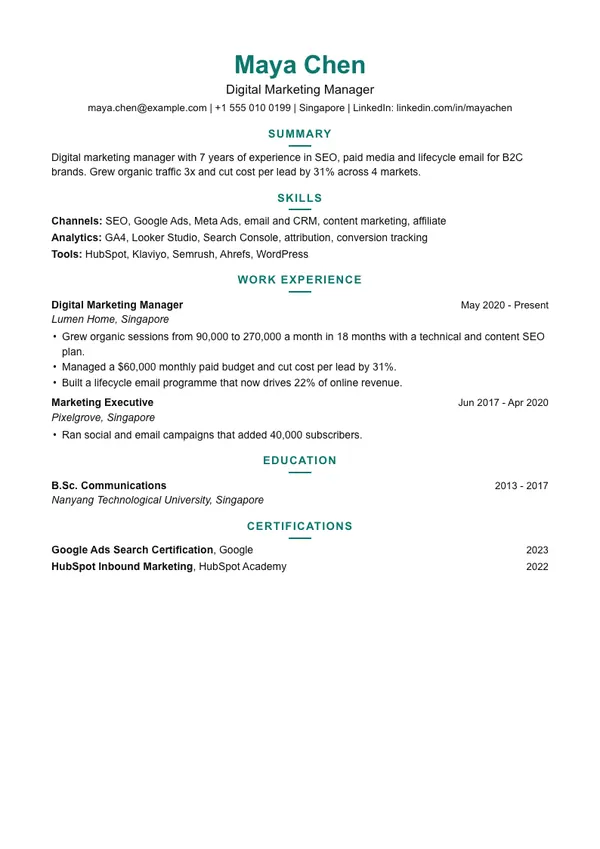
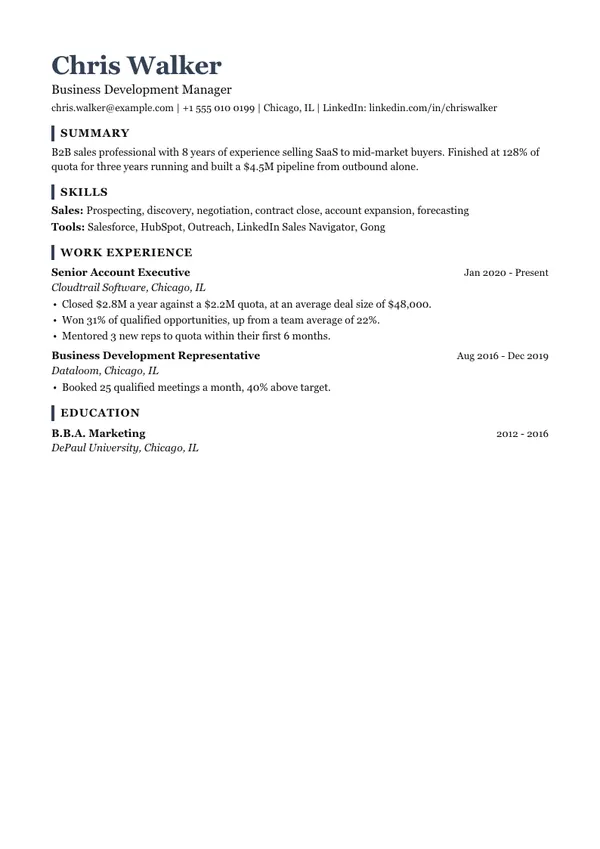
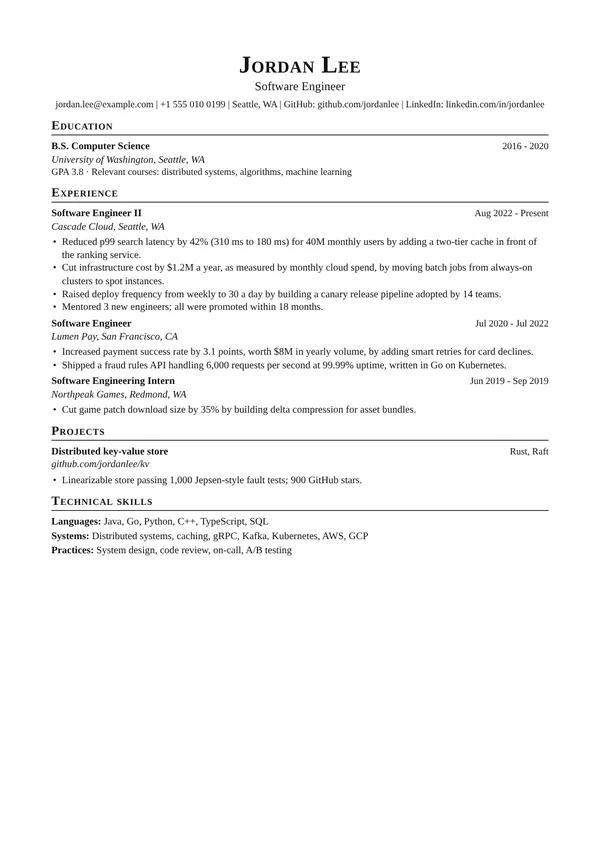
LaTeX Engineer
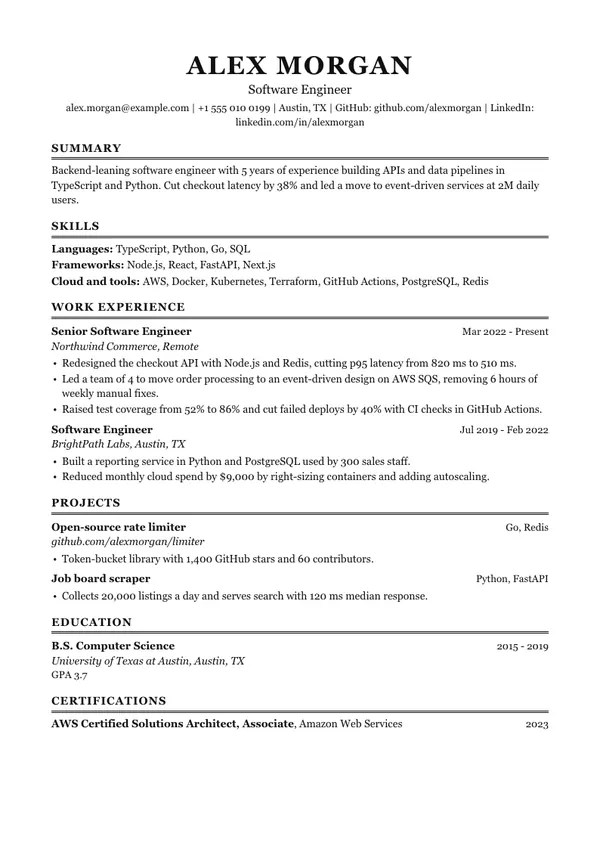
ATS highestDense serif page with small-caps headings, the look of the LaTeX resumes engineers share most.
Use this template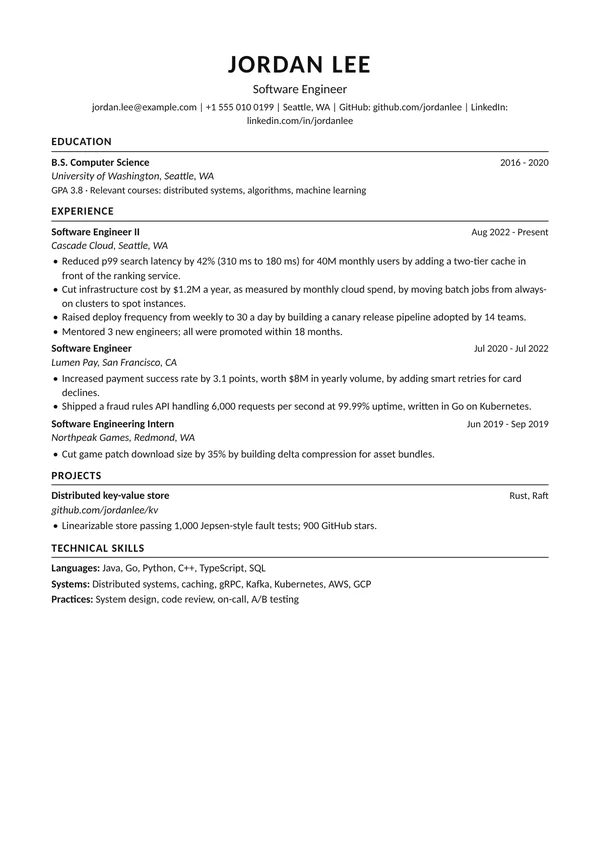
Big Tech
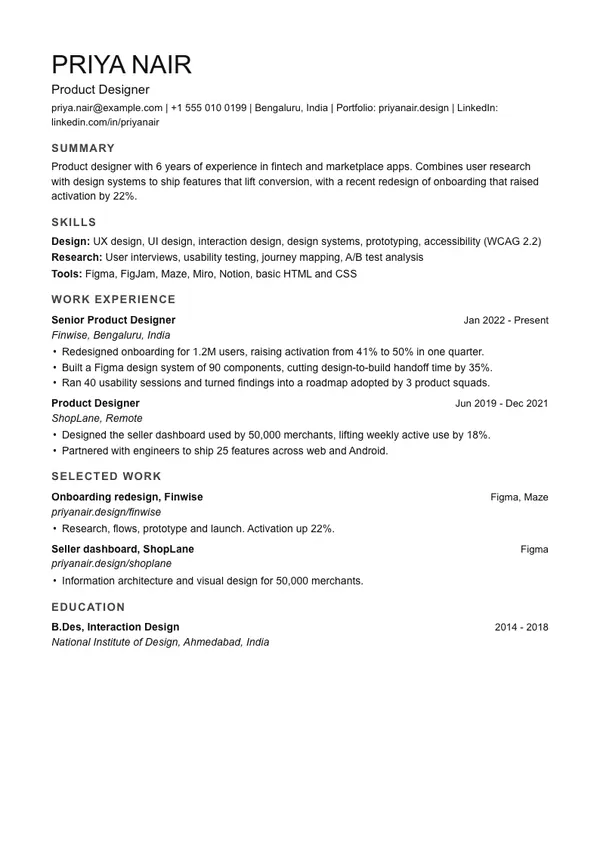
ATS highestCentred black and white one-pager, the plain format tech recruiters scan fastest.
Use this template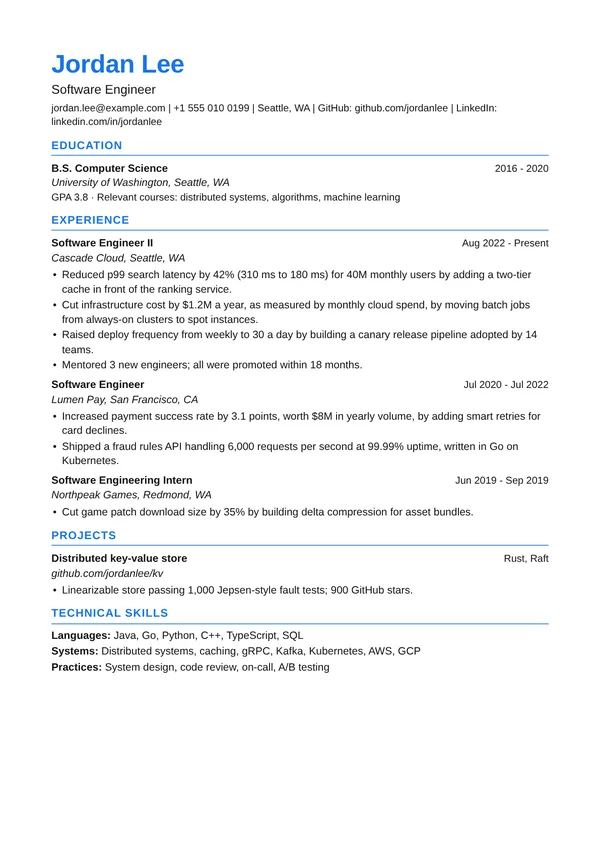
Google XYZ
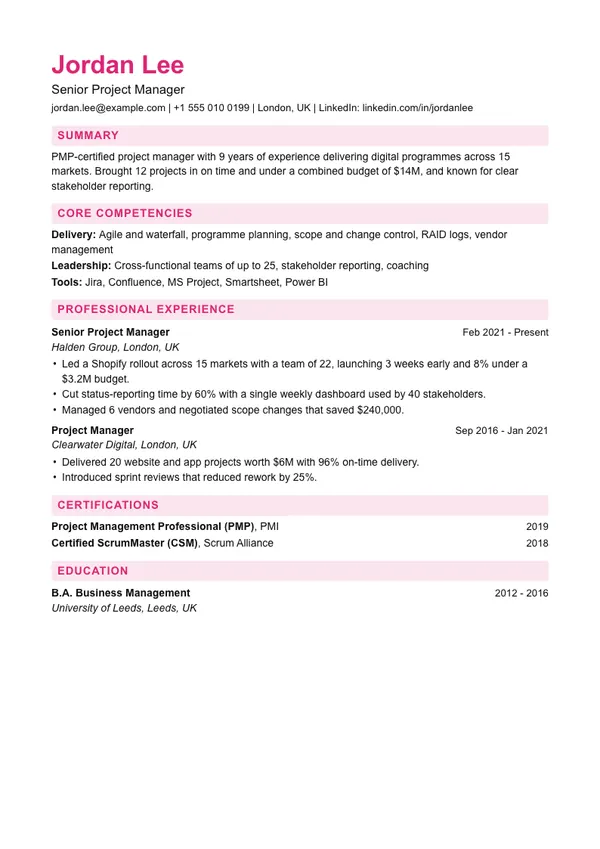
ATS highestClean sans page made for result-first bullets: what you did, measured by what, by doing what.
Use this template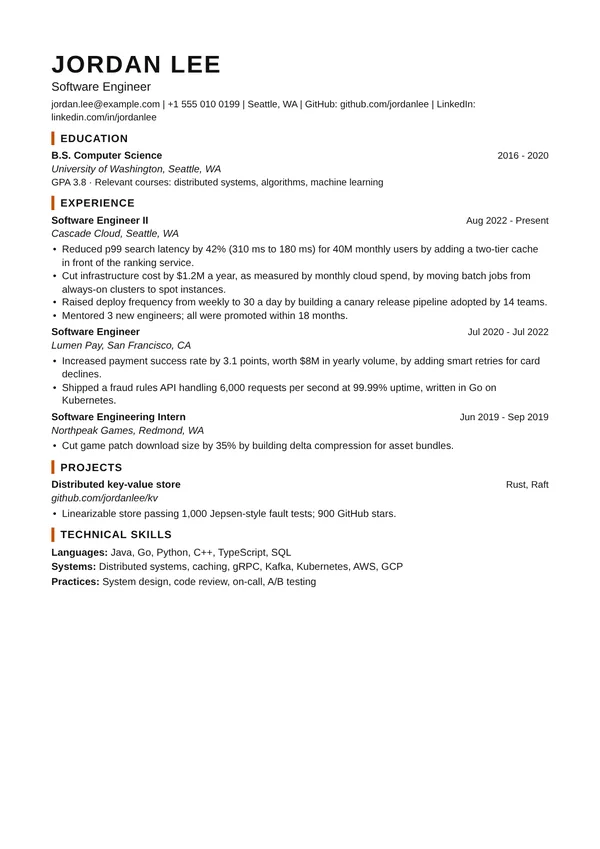
Amazon LP
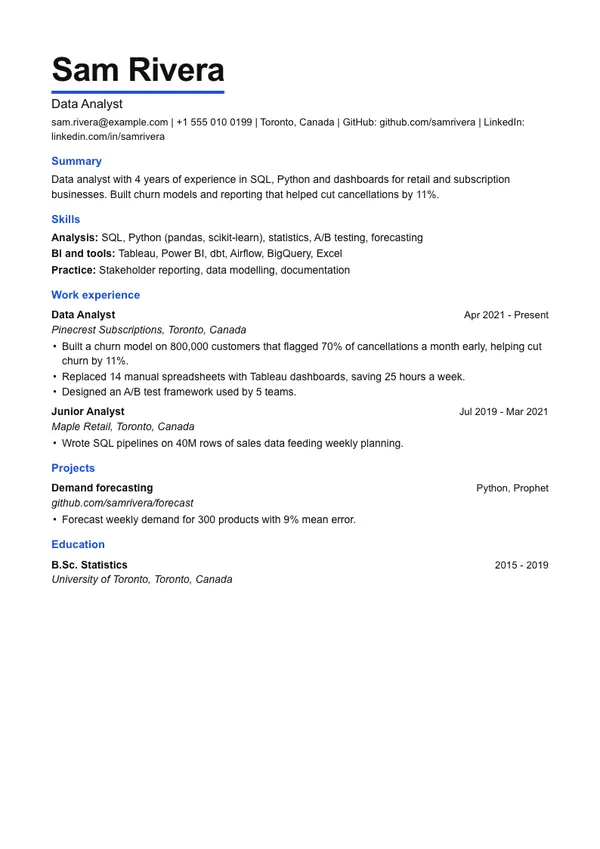
ATS highDense and data-first, for bullets that show ownership and results.
Use this template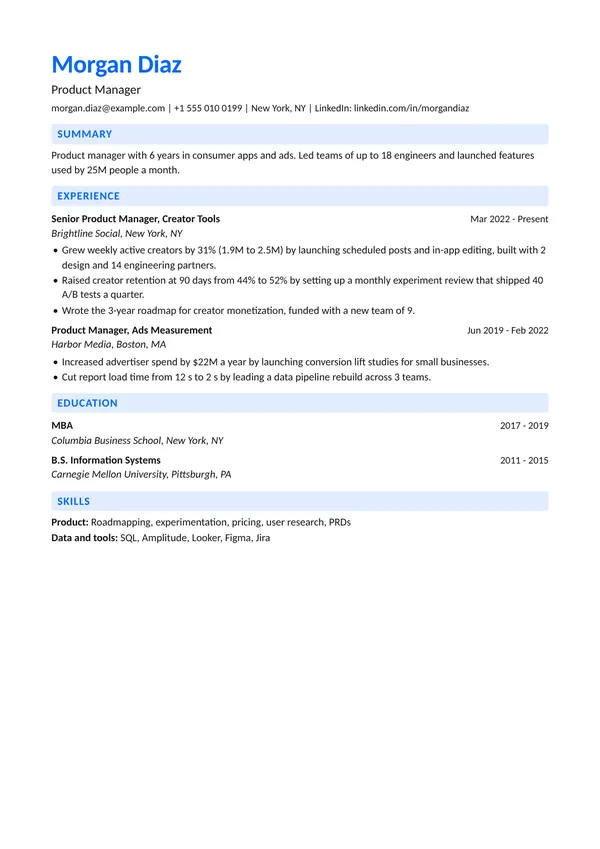
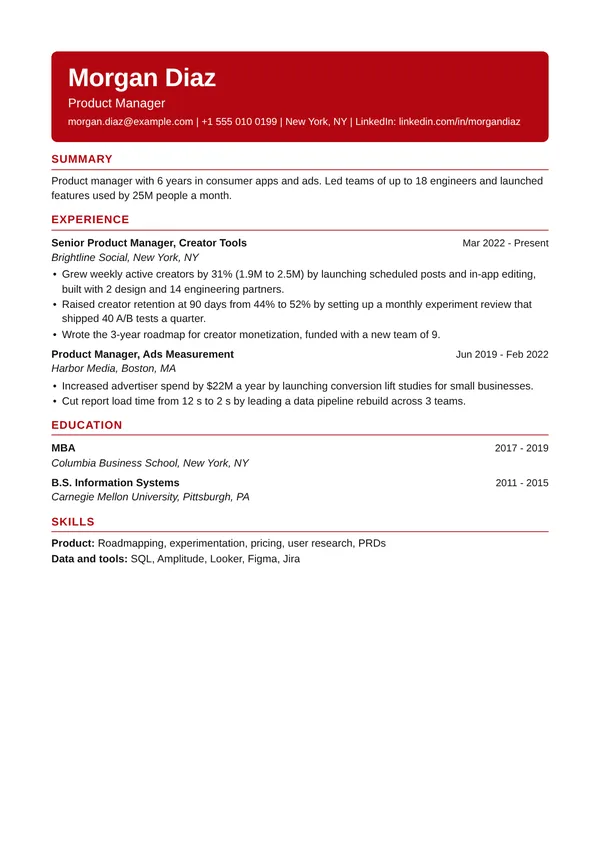
Meta Impact
ATS highBlue tinted headings that lead the eye to scale and impact numbers.
Use this template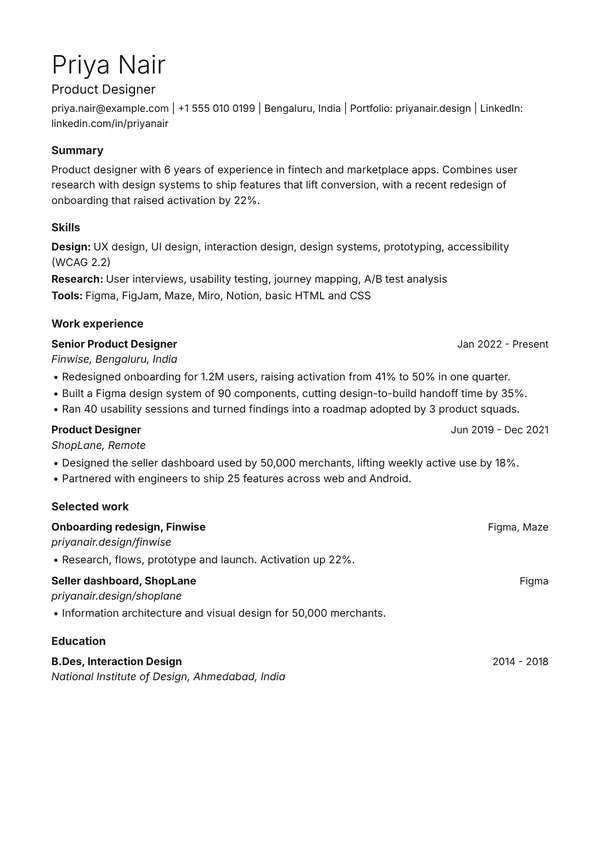
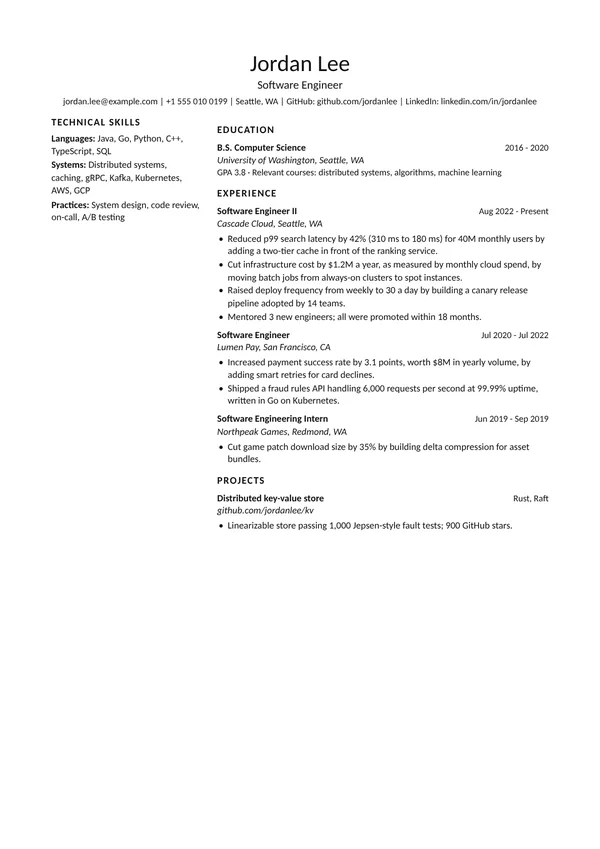
Two Column Tech
ATS lowerThin large name with skills in a left column, after the popular two-column LaTeX resume.
Use this template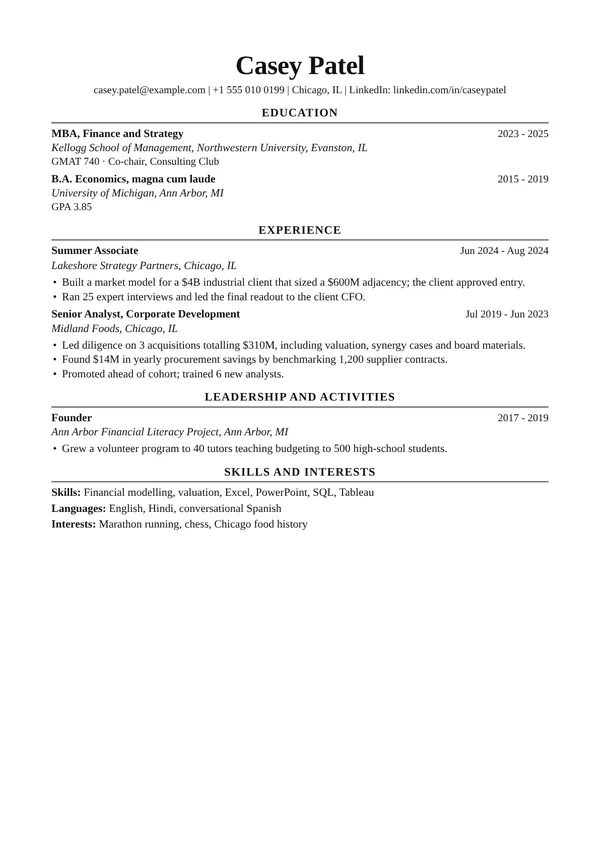
Ivy
ATS highestGaramond with centred headings, after the university career-office format used for finance, consulting and law.
Use this template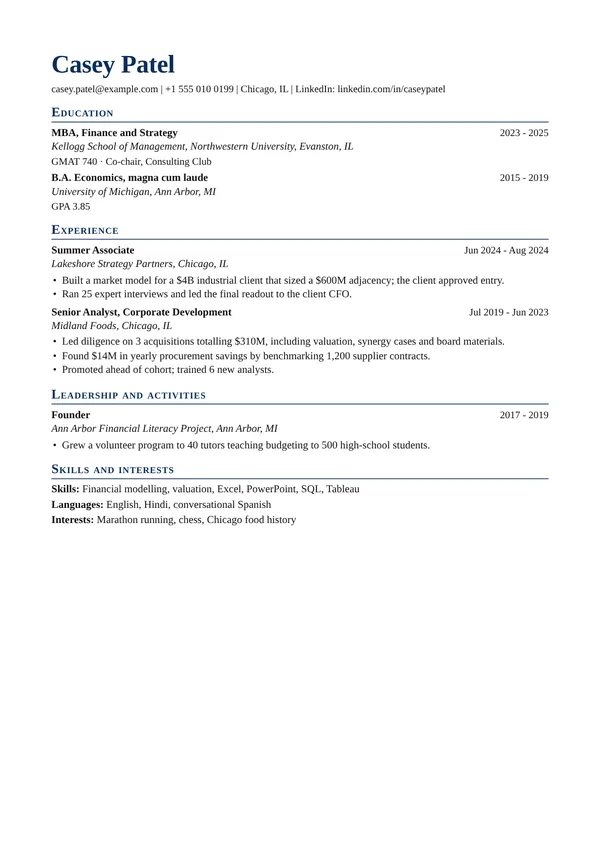
Consulting
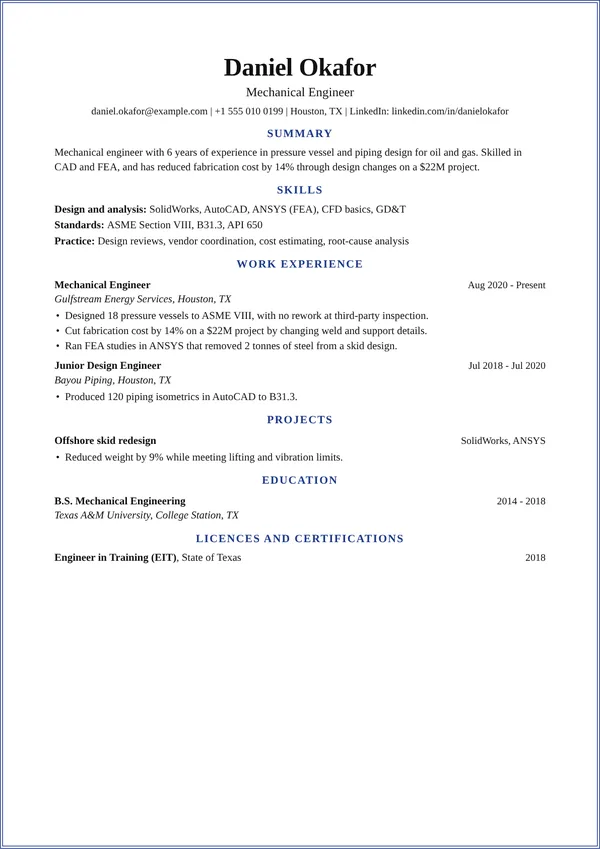
ATS highestOne page with navy small-caps headings, for consulting and strategy roles.
Use this template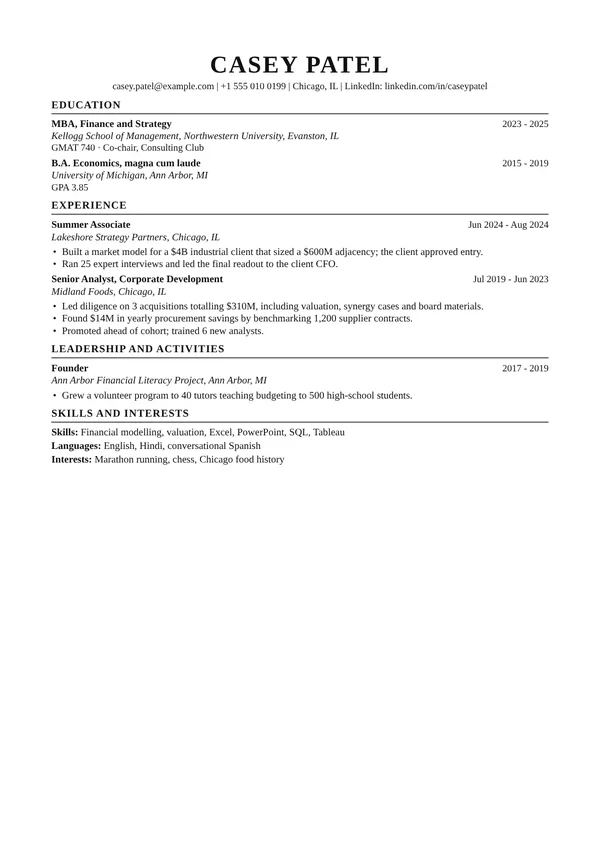
Wall Street
ATS highestTimes at 10 pt, tight and black, the banking and finance standard.
Use this template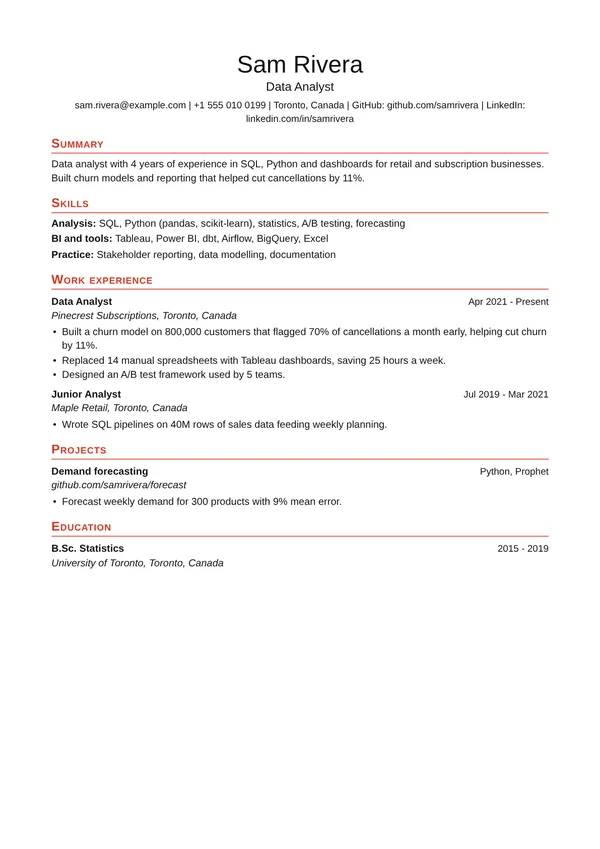
Accent CV
ATS highCentred light name and red small-caps headings, after a well-known LaTeX CV.
Use this template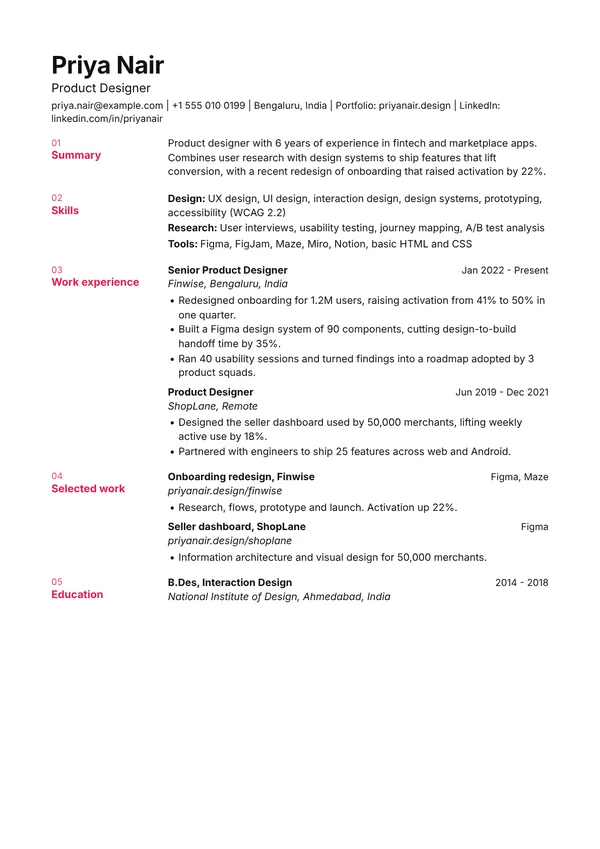
Swiss Gutter
ATS highNumbered headings sit in a left gutter beside each section, in Helvetica.
Use this template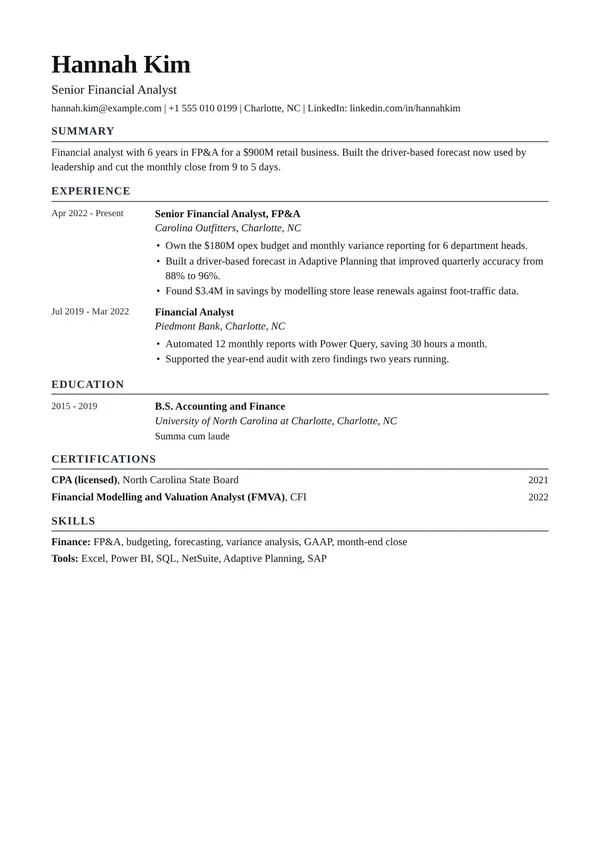
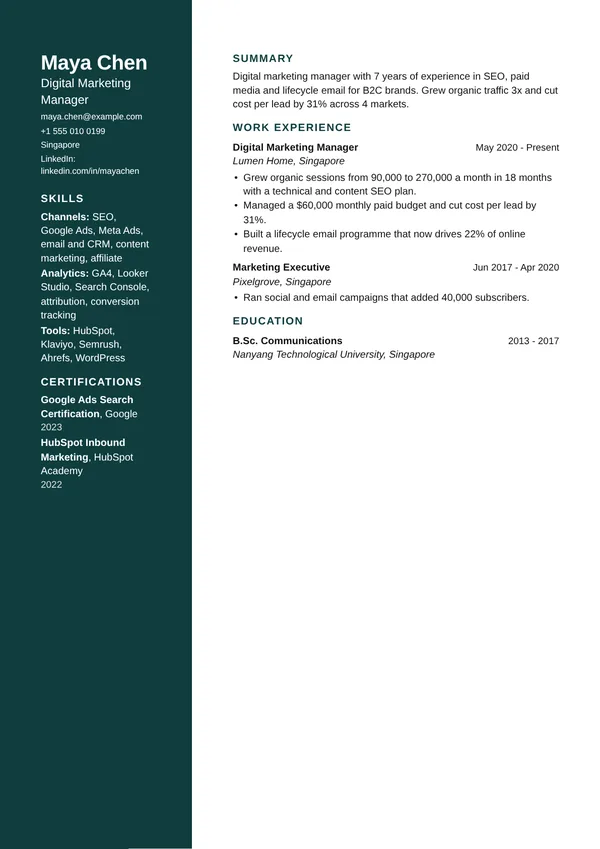
Colour Rail
ATS lowerA full-height coloured column holds your name, contact and skills.
Use this template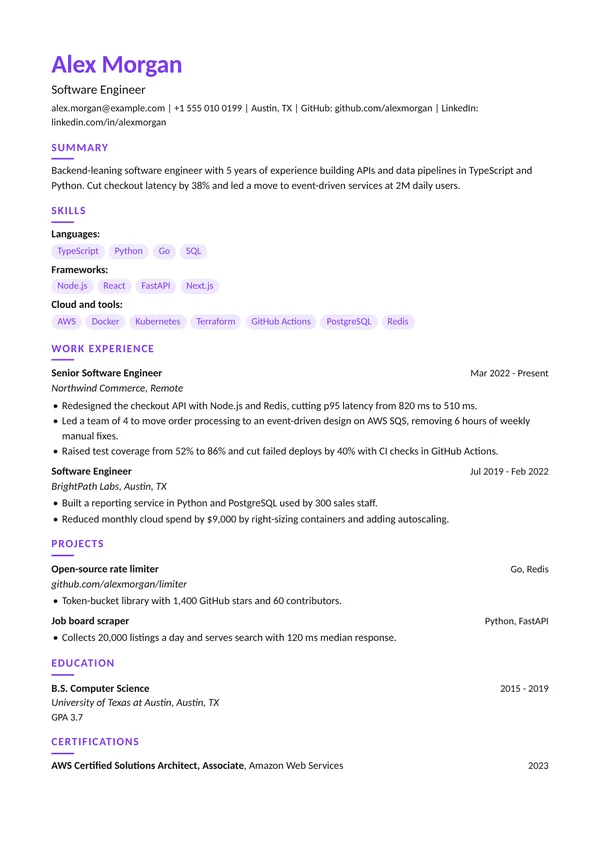
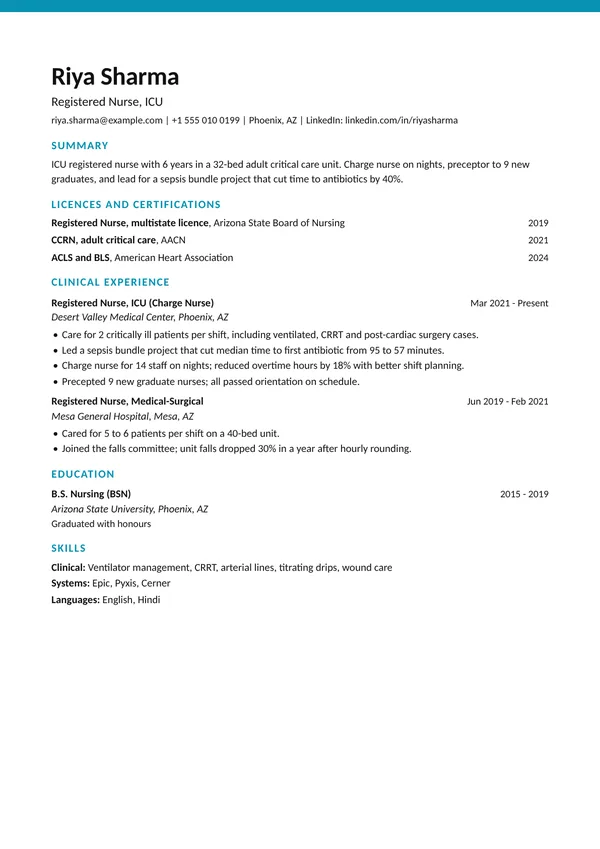
Top Stripe
ATS highestA thick colour stripe across the top of a plain one-column page.
Use this template
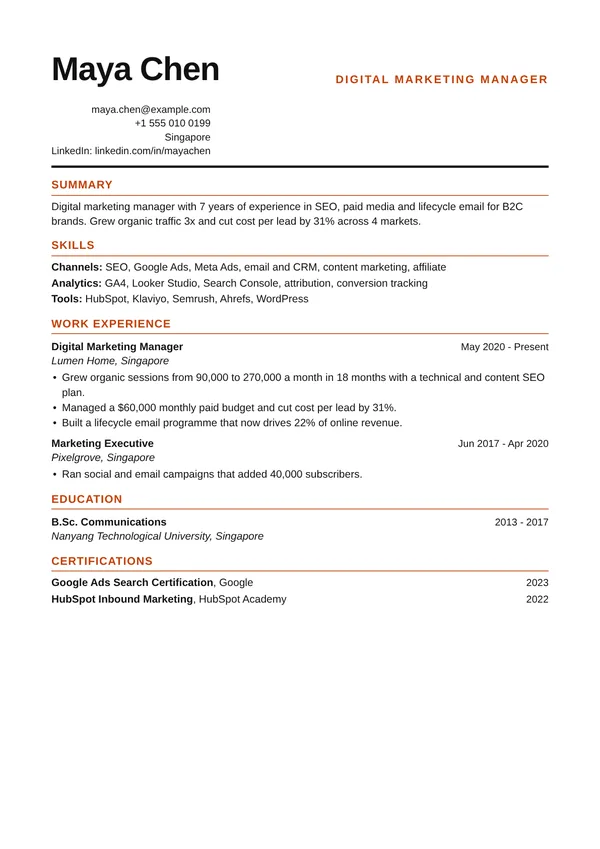
Magazine
ATS highAn oversized name, orange title and contact details stacked on the right.
Use this template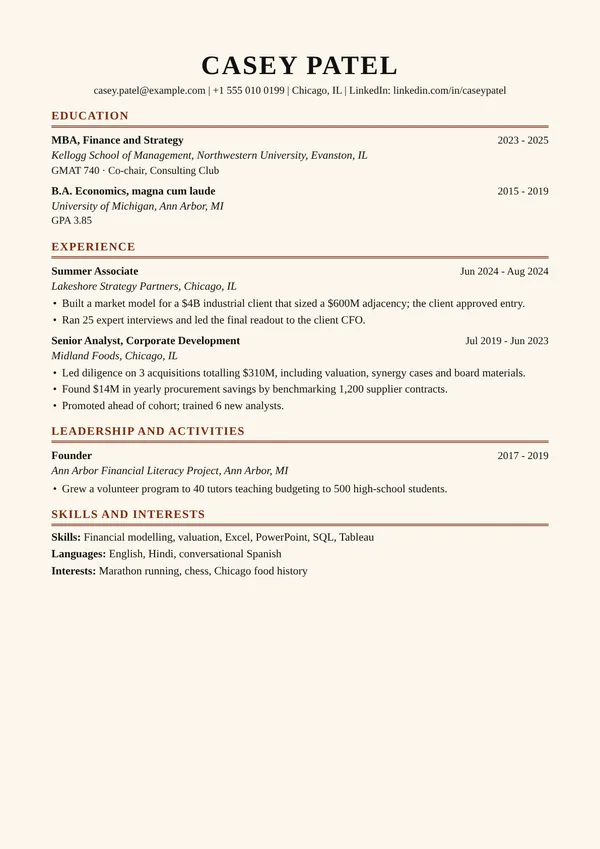
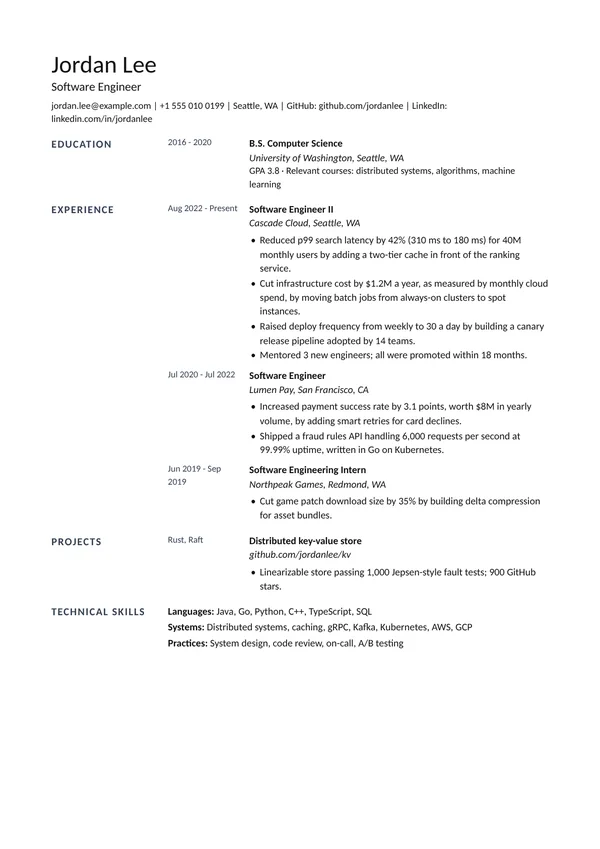
Architect
ATS highGutter headings and left-hand dates on a light grid, for a calm, technical look.
Use this template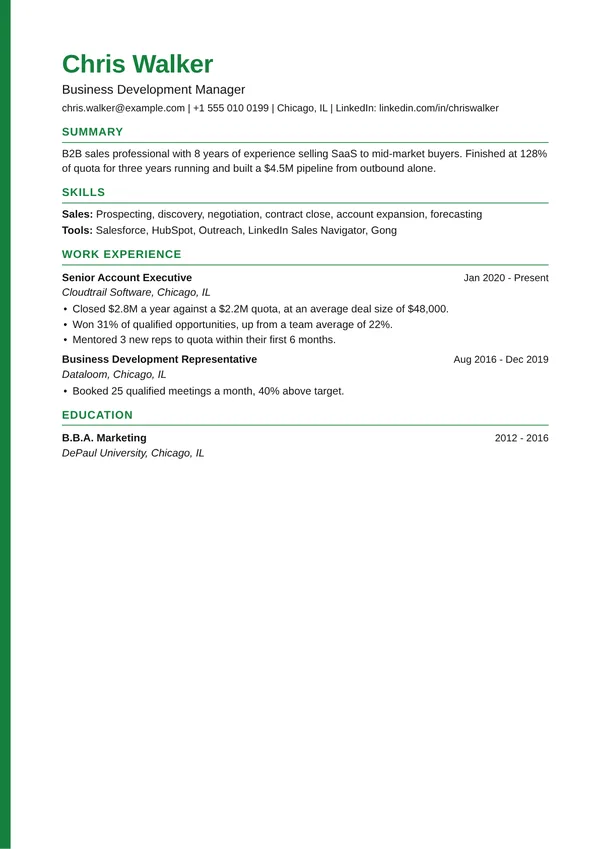
FAANG and famous formats
Resumes that get people into Google, Amazon, Meta, Apple, Netflix, consulting firms and banks look alike: one page, one column, plain fonts, and a number in almost every bullet. These templates follow those conventions.
Big tech (FAANG)
Google XYZ, Amazon LP, Meta Impact, Apple Clean, Netflix Senior and Big Tech. Write bullets as: accomplished X, measured by Y, by doing Z. Show scale such as users, requests or data size.
The LaTeX look engineers share
LaTeX Engineer, Two Column Tech and Accent CV give the dense, typeset feel of the resumes passed around on Overleaf and GitHub, without needing LaTeX.
Consulting and finance
Ivy, Consulting and Wall Street follow the university career-office format: education first, organisation and city on one line, title and dates on the next, Times or Garamond type.
Start with the right content
Pick the Big tech software engineer, Product manager (big tech) or Consulting or finance starting point in the builder for sample bullets written in these styles. All names and numbers are made up.
Template names describe the hiring advice each style follows. They are original layouts, not copies of any company's document, and are not affiliated with or endorsed by those companies.
Not sure which?
Applying through a job portal
Use Classic, Minimal, Big Tech or Ivy. Their layout is the plainest, so the parser has the least to get wrong.
Sending it to a person
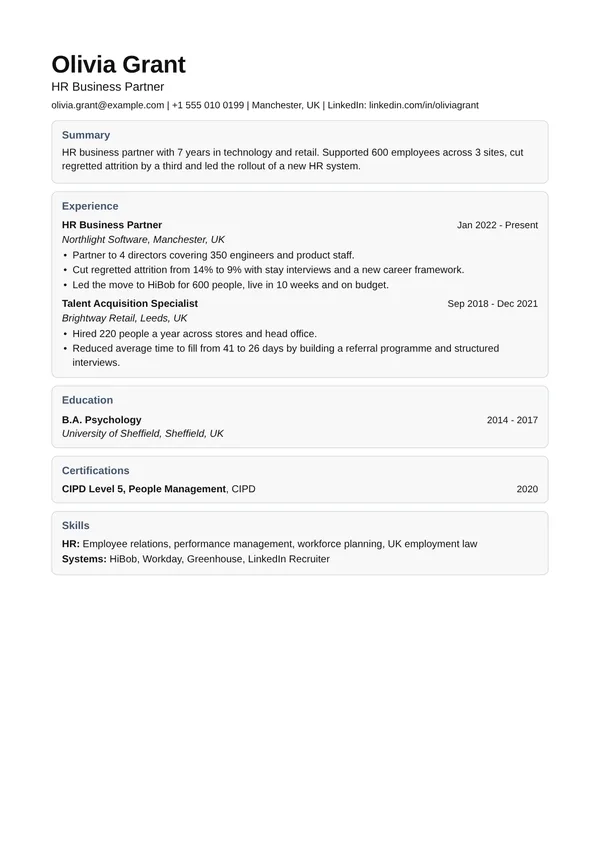
Banner, Timeline, Magazine, Swiss Gutter, Monogram or Colour Rail give a stronger look. Keep the content the same and check it with the ATS tool.
How to use an ATS template
Three steps from template to a file you can send. Everything happens in your browser.
Pick a template
Start with Classic, Simple, Professional or Minimal if the job goes through an applicant tracking system (ATS). Use the filter above to see the safest ones.
Fill it in
The builder opens with a sample for your kind of job. Replace it with your own roles, dates and results, and add or hide sections.
Check and download
Compare your resume with the job posting to spot missing keywords, then download it as PDF, Word or plain text.
Resume and CV templates: questions
More in the resume writing guide, or see filled-in examples by job.
What is an ATS resume template?
A layout an applicant tracking system can read without losing anything: a single column, real text, standard headings, dates on every job, and no tables, text boxes, images or details hidden in the header.
Which template is safest for ATS?
Classic, Simple, Professional and Minimal. Most of the other templates are single column too. The two-column ones (Sidebar, Sidebar Right and Creative) are marked lower, because some systems misread columns.
Is a CV template different from a resume template?
In the UK, India and much of Europe, CV means what Americans call a resume, so these templates work as ATS CV templates too. In the US and Canada a CV is a long academic document; the Academic template suits that style.
Are the templates free?
Yes. No account, no watermark, and no limit on resumes or downloads.
Can I download my resume in Word?
Yes. Every template downloads as PDF, Word (.docx) or plain text. If the posting asks for one format, use that one.
Is my resume uploaded anywhere?
No. The builder runs in your browser and saves only on your device. The PDF, Word file and text are made on your device too.
Should I add a photo?
In the US, UK, Canada and most corporate roles in India, no. The templates have no photo field on purpose.